Why orders slip through
- Comments move in real time — you're hosting and can't write at the same time.
- People edit, cancel, or add ("make that 3") and the change buries the original.
- After the live, you're rebuilding the list from screenshots and memory.
- Payment comes in separately, so "who paid" is a second, error-prone pass.
The manual method (works, but tedious)
- Record the live. So you can scrub back for orders you missed while talking.
- One line per order. Right after (or during, if you have help): buyer name, item, quantity. Don't summarize yet — capture first.
- Tally per item. Add up quantities so you know what to order from your supplier.
- Mark payments separately. As transfers arrive, tick each buyer. The unticked names are who to chase.
- Track pickup. When someone collects, mark it — so leftovers don't sit unnoticed.
This works for a small live. Past ~20 orders it gets slow and mistakes creep in — usually a missed payment, which costs more than the night's leftovers.
The one-sheet way
A structured tracker does the counting for you. Instead of five separate steps, you get one sheet with columns that add up automatically:
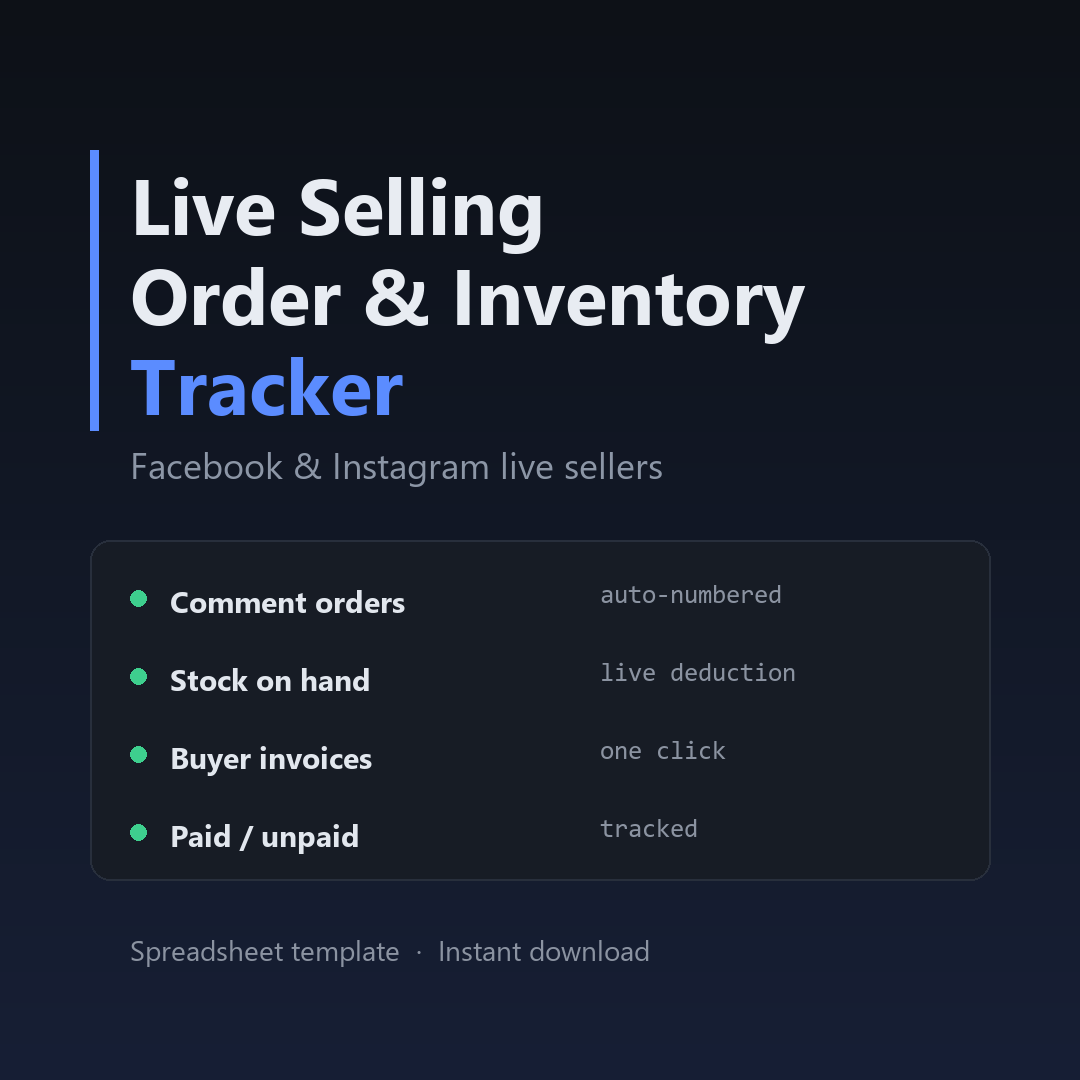
- Order log — buyer, item, qty, price; totals per item update as you type.
- Payment column — mark paid, and the unpaid list shows itself.
- Inventory — set your stock; it counts down and warns before you oversell.
- Per-buyer summary — every buyer's total, ready to send as an invoice.
That's exactly what the Live Selling Order Tracker is — a ready Google Sheets & Excel template, no formulas to build, no app to install.
Skip the manual steps.
Open the tracker before your next live and let the sheet do the counting.
Get the tracker →$12 · instant download · Google Sheets & Excel · lifetime use