The live-sale order chaos
- Orders arrive as comments — "2 please", "mine!", "can I get the blue one" — and scroll away in seconds.
- After the live you're stitching orders together from screenshots and memory.
- Someone paid, someone didn't, and you can't tell who without scrolling for an hour.
- You oversell an item because nobody was counting stock in real time.
One sheet that does the counting for you
Open it before you go live. Drop in orders as they come — or paste them after — and the sheet does the rest.
Every order in one log
Buyer name, item, quantity, price — one row each, no more screenshots.
Auto quantity tally
Totals per item update as you type, so you know exactly what sold.
Who hasn't paid
Mark payments and instantly see the unpaid list to follow up.
Live inventory countdown
Set your stock; the sheet counts down and warns before you oversell.
What you get
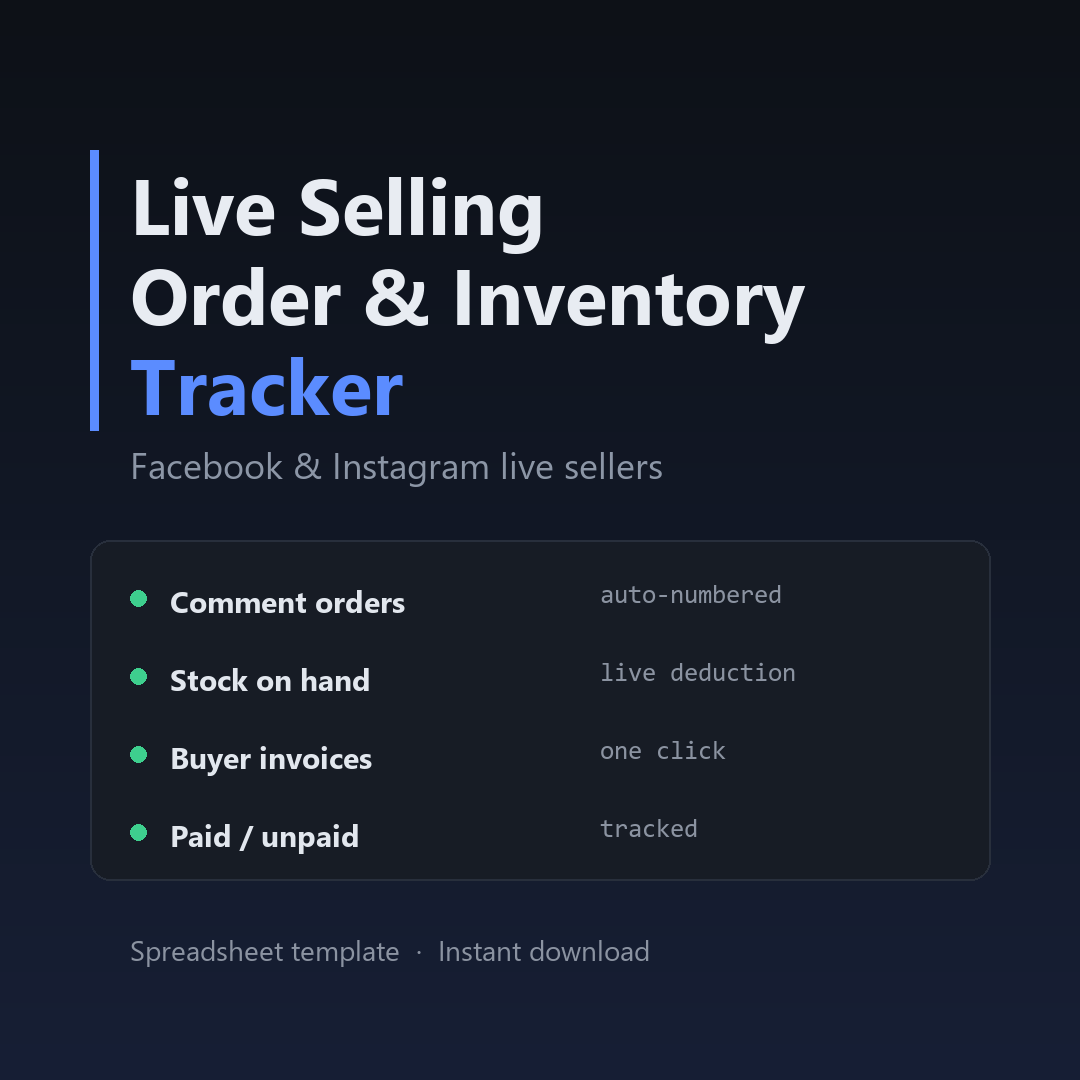
- Order log tab — capture buyer, item, qty, price, payment and fulfillment status.
- Per-buyer summary — every buyer's total, ready to send as an invoice message.
- Inventory tab — starting stock, sold, and remaining, updated automatically.
- Payment tracker — a one-glance list of who still owes you.
- Works in Google Sheets and Excel — no install, no login, no monthly fee.
Run your next live sale without the after-mess.
One-time $12. Download it, make a copy, and you're ready before your next stream.
Get the tracker on Payhip →Instant downloadGoogle Sheets & ExcelLifetime useNo subscription