Why overselling happens
- You're talking and showing, not counting — the number in your head drifts.
- Two buyers claim the last one within the same few seconds.
- Bundles hide quantity ("one of each") so the count per item is fuzzy.
- You find out you oversold only when you go to pack orders.
The manual method
- Write your starting stock per item before you go live.
- Cross off as you sell. Keep the list where you can glance at it — a notepad beside the camera.
- Announce "last few" and "sold out" as items run low, so buyers stop claiming them.
- Reconcile after. Compare orders to starting stock; if a number went negative, you oversold and need to message someone.
The weak point is step 2 — glancing and crossing off while hosting. One missed cross-off and you're refunding or disappointing a buyer.
The fast way
A tracker that counts orders can count stock at the same time:
- Set starting stock per item once.
- Live countdown — every order subtracts automatically; remaining stock is always current.
- Oversell warning — it flags when an item would go past zero, before you promise it.
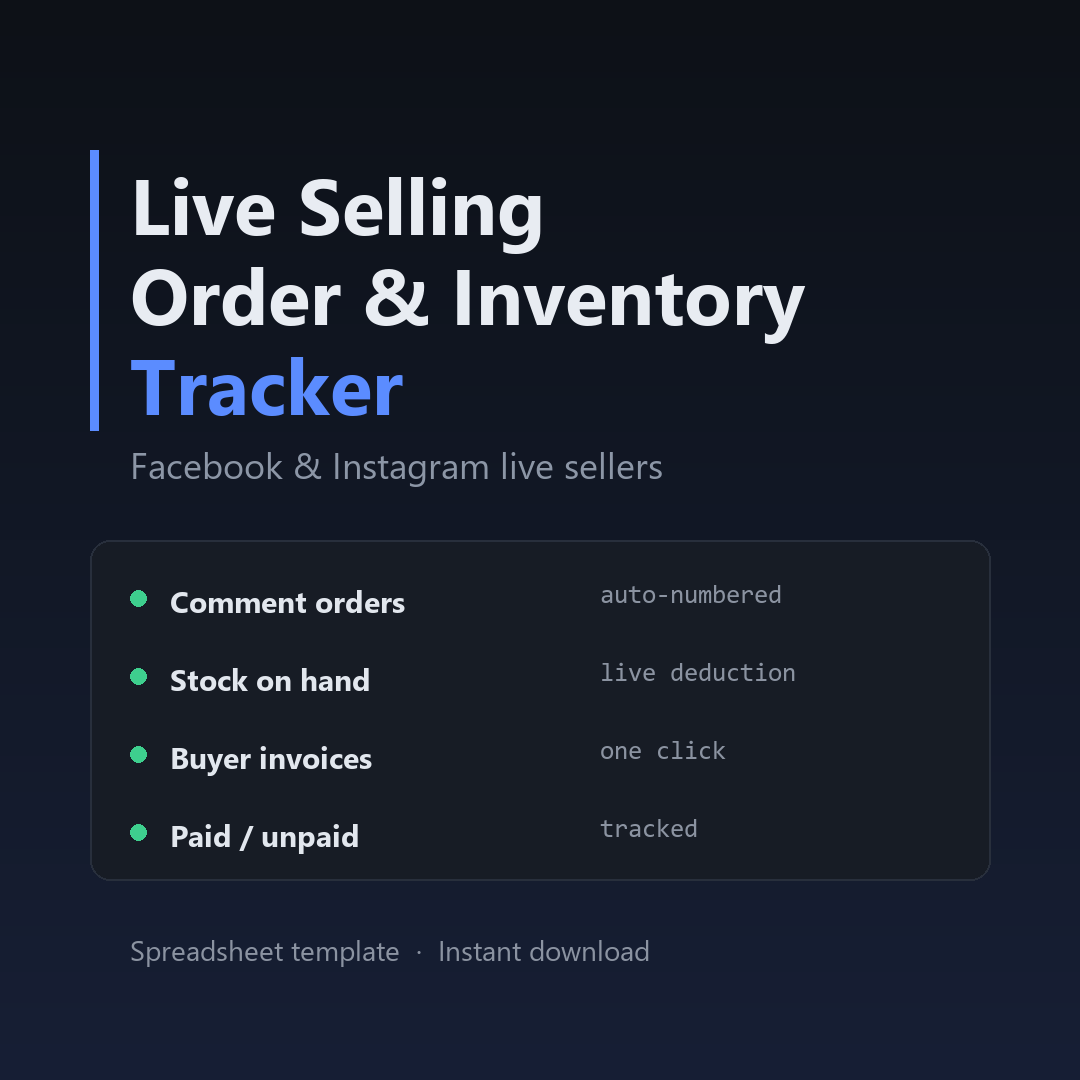
That's built into the Live Selling Order Tracker — a ready Google Sheets & Excel template. Set stock once and let it warn you.
Never oversell again.
Set your stock once and let the sheet count down as orders come in.
Get the tracker →$12 · instant download · Google Sheets & Excel · lifetime use