Why payment is the messy part
- Orders came in as comments; payments come in as separate bank transfers — two different lists to reconcile.
- Transfer names don't always match the buyer's live-sale name.
- One buyer ordered three times across the live; their invoice should be one total, not three.
- Miss one unpaid buyer and that's real money gone.
The manual method
- Build a per-buyer total. Group every order by buyer and add it up — that total is their invoice.
- Send it clearly. DM each buyer: items, quantity, total, and your payment details. Keep the wording identical each time so it's fast.
- Reconcile against your bank. As transfers land, match each to a buyer and mark them paid.
- Chase the blanks. Anyone still unmarked after your deadline gets a polite reminder.
The reconciling step is where the hour goes — matching transfer names to buyers by eye, and it's easy to skip someone.
Free shortcut for step 1: the Live Sale Invoice Generator builds a ready-to-send invoice per buyer with the total worked out — drop in your orders, copy each message. No signup. It handles one live; the full tracker below carries payments and stock across every live.
The fast way
A tracker that already holds every order can do the invoicing for you:
- Per-buyer summary — each buyer's total is calculated from their orders, ready to copy into a DM.
- Payment column — mark paid as transfers arrive; the unpaid list surfaces itself, no eye-matching.
- One place — orders, totals, and payment status live on the same sheet, so nothing is a separate pass.
That's the Live Selling Order Tracker — a ready Google Sheets & Excel template. Mark payments, read off the unpaid list, done.
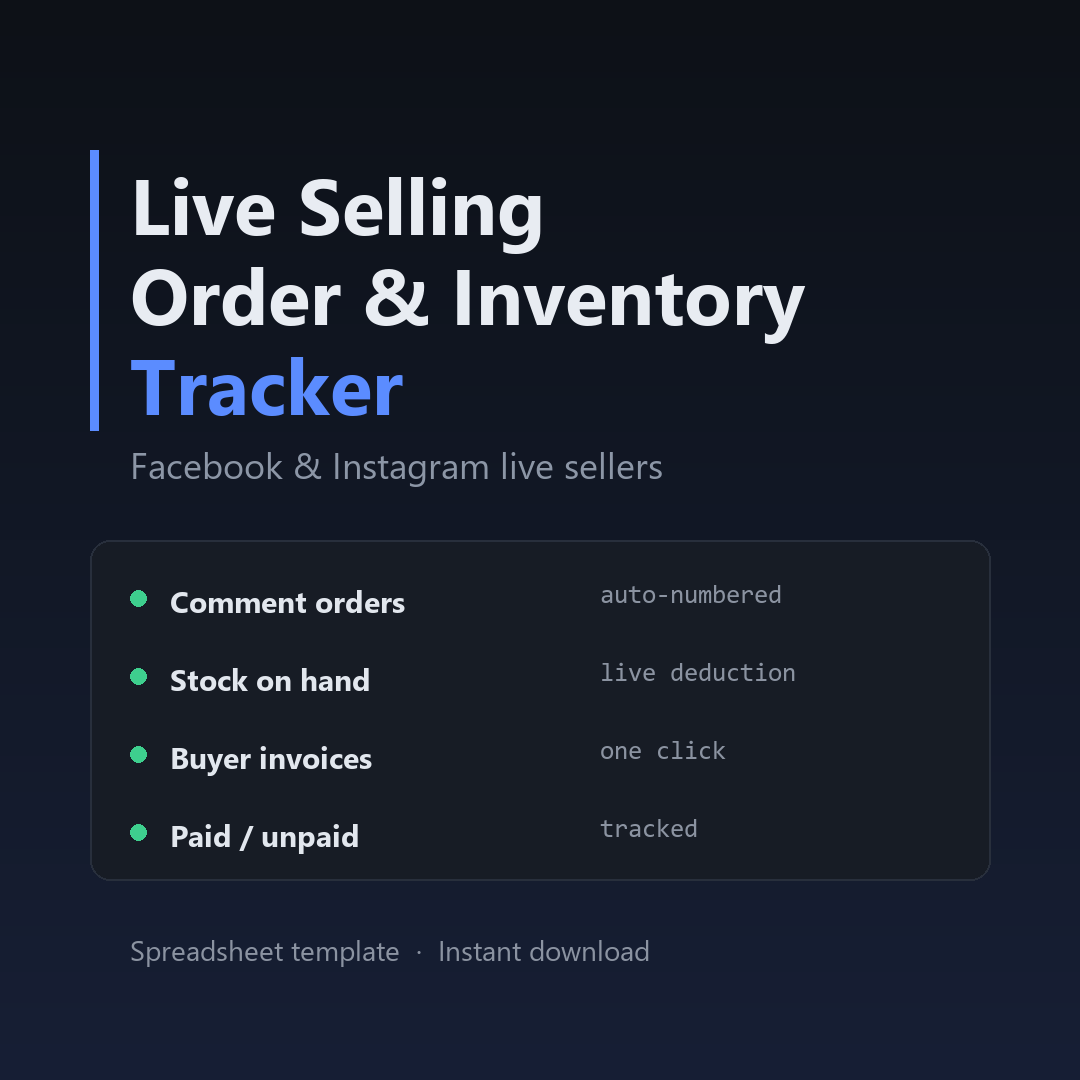
Stop reconciling by eye.
Let the sheet build each invoice and show you who still hasn't paid.
Get the tracker →$12 · instant download · Google Sheets & Excel · lifetime use